Getting Started
Ice Skin Editor is a browser-based and desktop Minecraft skin editor built for stacking overlay layers on a skin. Instead of painting a skin from scratch, you start a project, add layers (from a file, a player username, the overlay library, or a blank canvas), mask which pixels each layer contributes, then export a merged skin PNG - or share the project as an interactive HTML page.
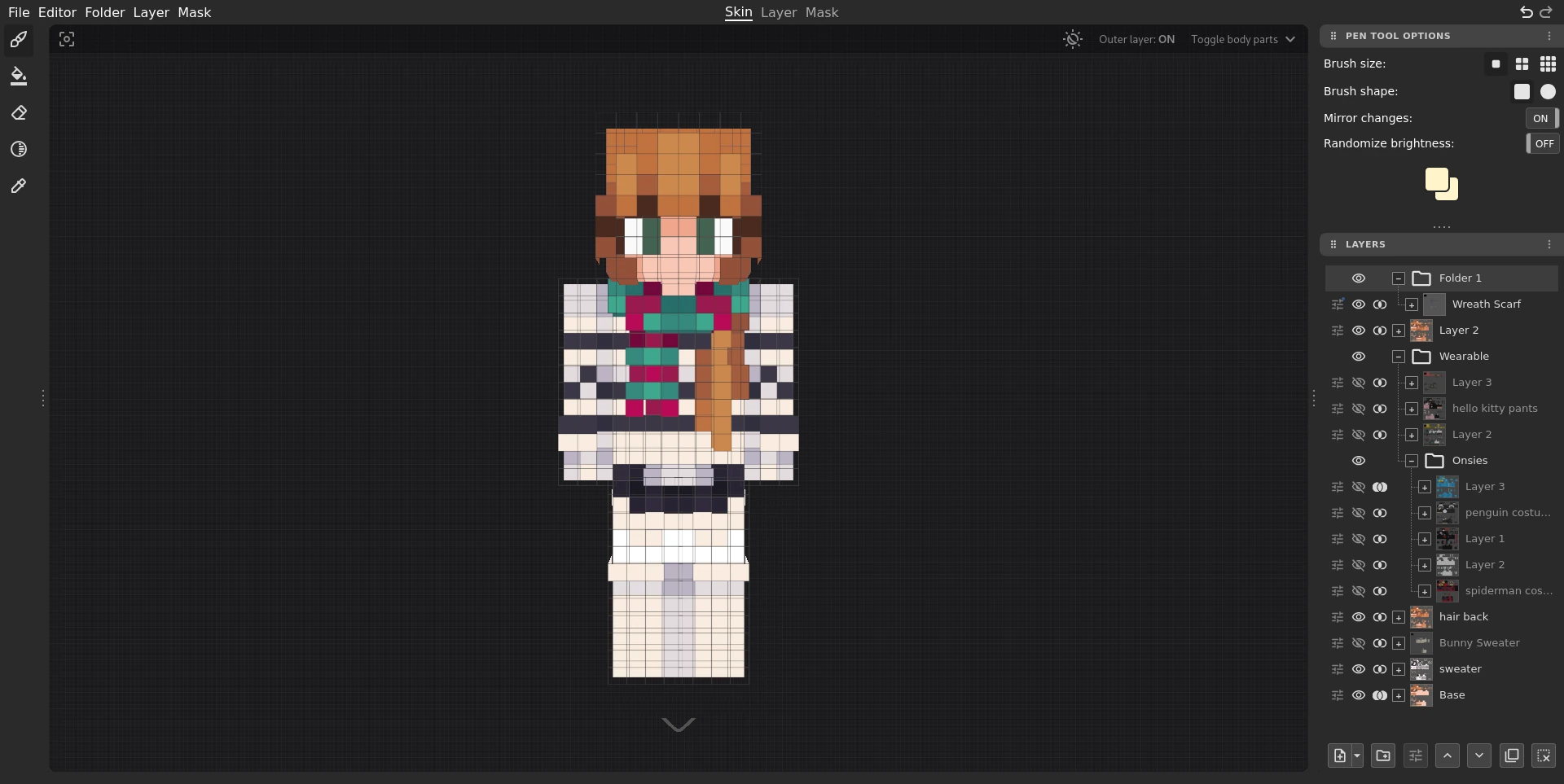
Two ways to use it
Section titled “Two ways to use it”Web Editor
Section titled “Web Editor”Open the editor directly in your browser - no installation required.
Desktop App
Section titled “Desktop App”Download the native desktop app for a faster, offline experience. Windows installers are available now; Linux packages are listed as coming soon.
What you can do
Section titled “What you can do”| Feature | Status |
|---|---|
| Create a slim or classic project | ✅ Available |
Open a .ice project or a skin .png |
✅ Available |
| Add layers from a file, username, library, or blank canvas | ✅ Available |
| Mask individual layers | ✅ Available |
| Reorder, hide, duplicate, and group layers in folders | ✅ Available |
Export merged skin as .png |
✅ Available |
Export project as .html (shareable toggles) |
✅ Available |
Export a posed 3D render as .png or .glb |
✅ Available |
| Blend folders / Ability to blend layers together | 📦 Coming soon |
Importing and exporting as .ncrs files |
📦 Coming soon |
| Bedrock skins support | 🗓️ Planned |
| Editing capes and elytras | ❌ Not available |
| Legacy skin support (64×32) | 🟡 Partial |