Installation
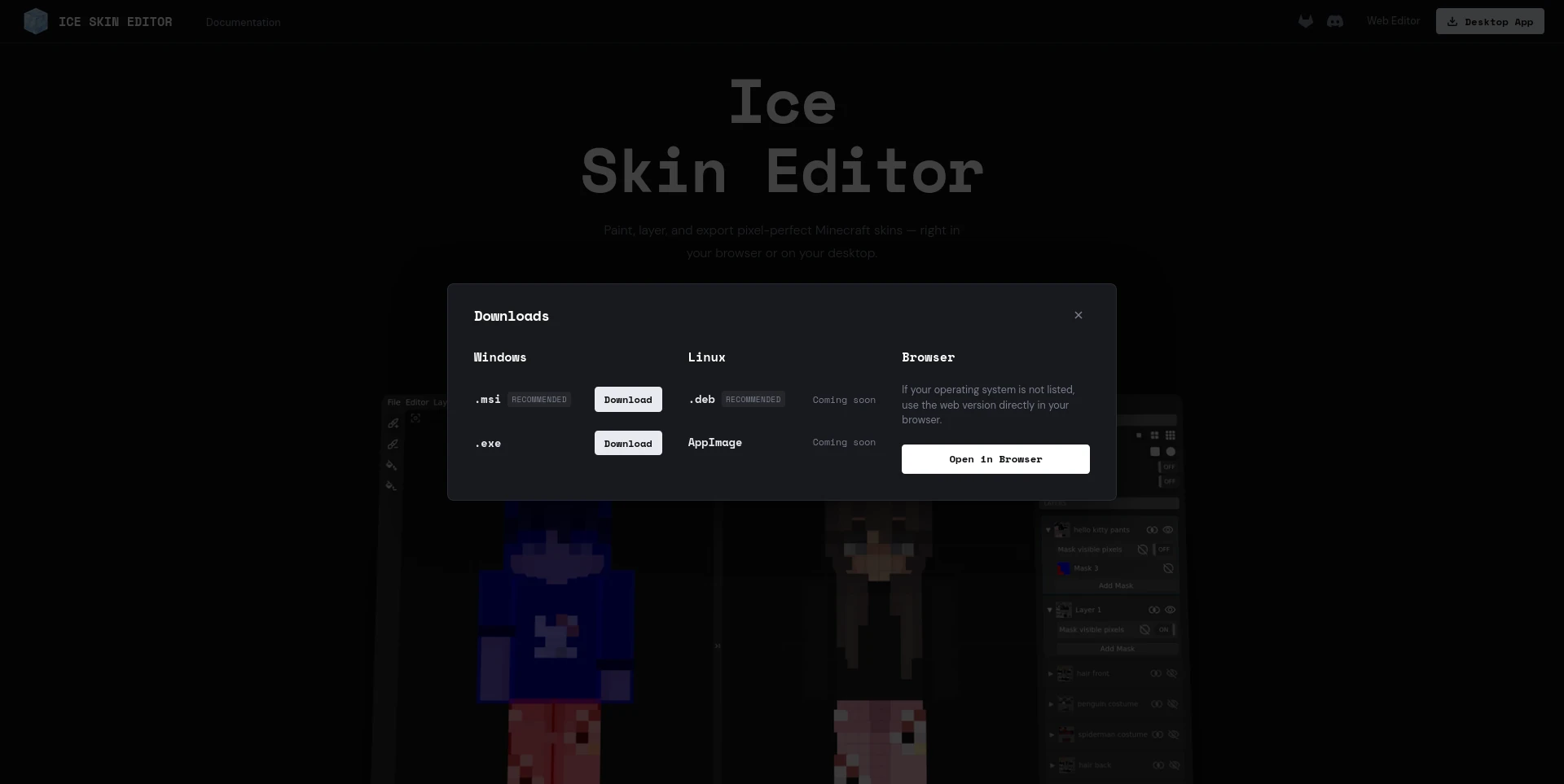
The Ice Skin Editor desktop app is currently available for Windows. Linux packages are listed in the download dialog as coming soon. If your platform is not listed, you can always use the Web Editor directly in your browser.
Download
Section titled “Download”On the homepage, click Download App. A dialog appears with platform options:
- Windows -
.msi(recommended) and.exe - Linux -
.deband AppImage (coming soon) - Browser - open the web editor if your OS is not listed
Windows
Section titled “Windows”- Download the
.msiinstaller (recommended) or the.exesetup file. - Run the installer and follow the prompts.
- Launch Ice Skin Editor from the Start menu or desktop shortcut.
Linux and other platforms
Section titled “Linux and other platforms”Linux .deb and AppImage builds are not published yet. Use the Web Editor until those packages are available.
There is no macOS desktop build. macOS users should use the web editor.